Description
Before you buy this product, please note the following:
NOTE: The printer must be disconnected from the power source before installing the printhead, otherwise there is a risk of the printhead board burning out.
1. A protective fluid is applied to the printhead during shipping. Before first use, wipe the printhead clean before installation. Simply wipe the copper plate gently with soft paper; do not use cleaning fluid or an eraser.
2. During the printhead regeneration process, the ink is cleaned and the protective fluid is injected. If no protective fluid is present, the printhead cannot print because the ink channel is dry. If the printhead is detected but the colors are uneven or blurry, you can continue printing with ink. Print a few more sheets of paper and wait until the excess protective fluid has drained away; then you can print normally.
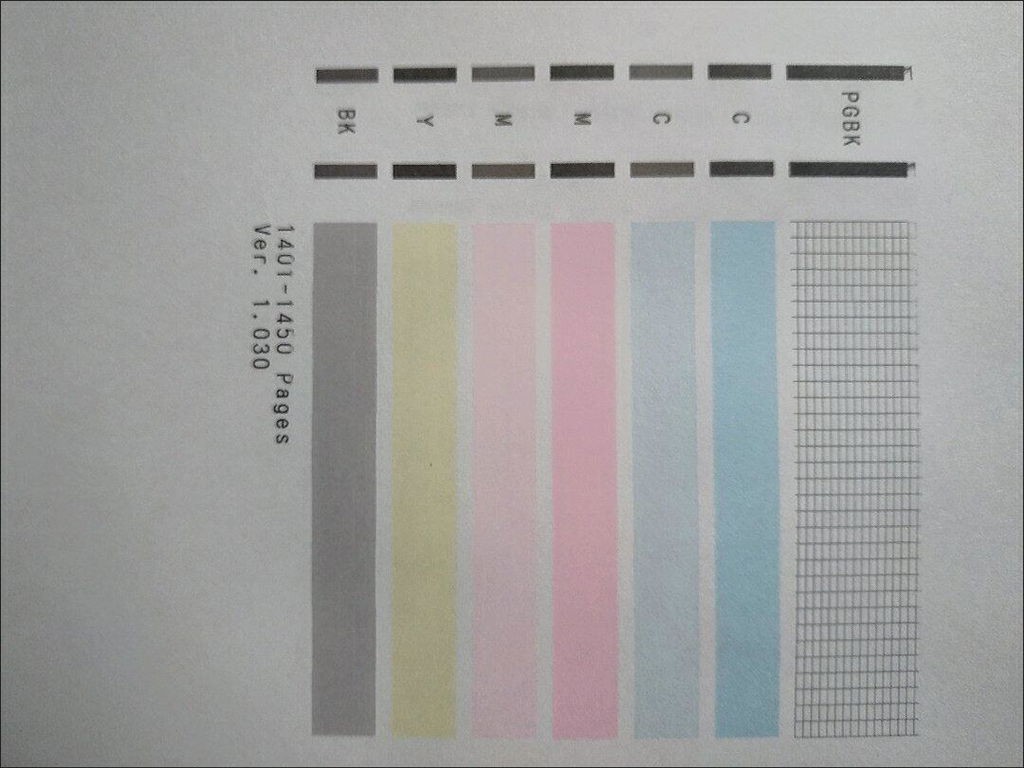
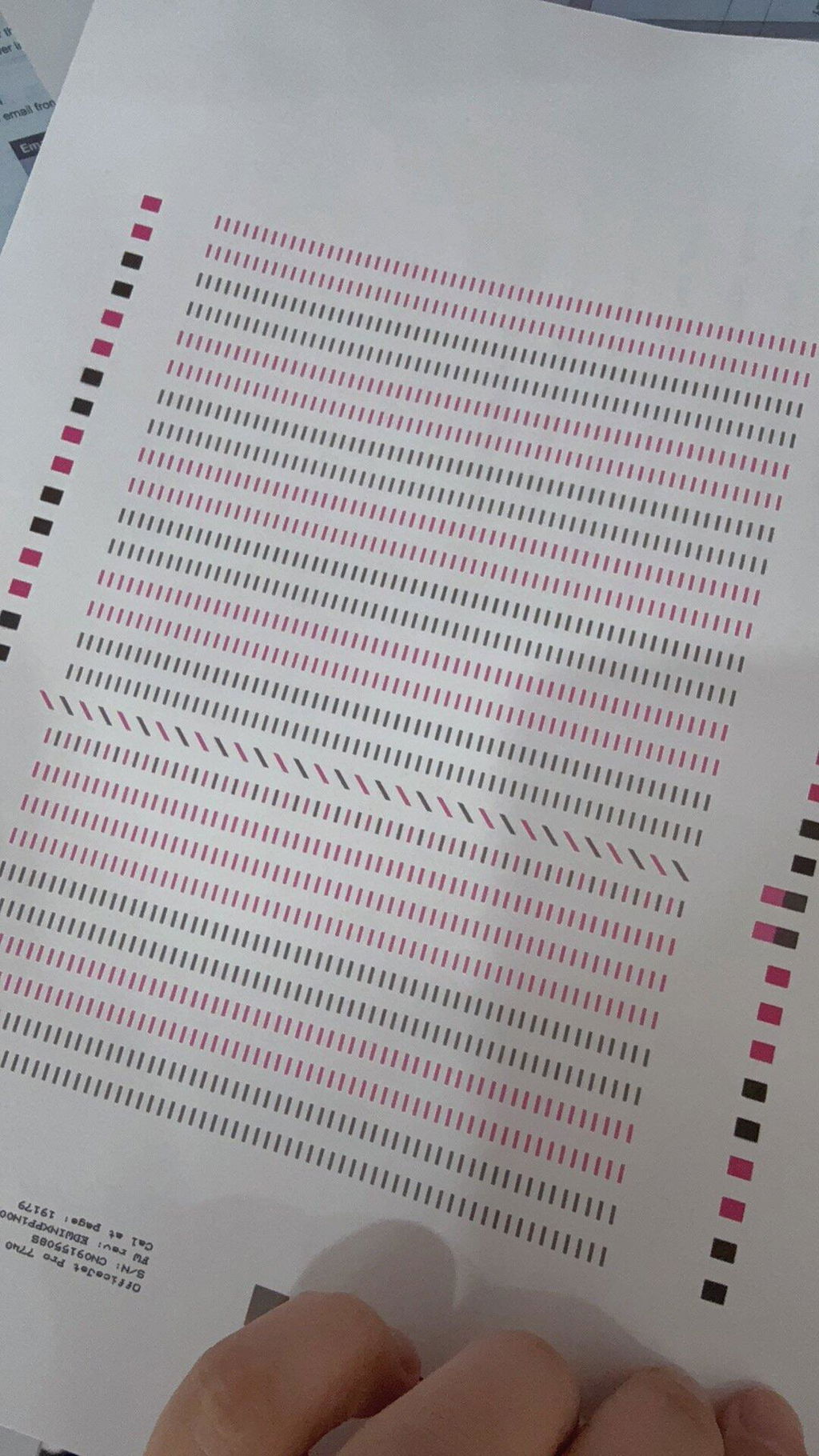
3. If the print result is not clear, press the machine cleaning button to clean it (the printhead should only be cleaned if the ink cartridge is sufficient, otherwise it may burn out).
4. You do not need to clean the printhead with cleaning fluid; you can clean the printhead directly on the machine. If you clean the printhead with cleaning fluid (or water) and the protective fluid does not drip, the printhead will become completely blocked and unusable.
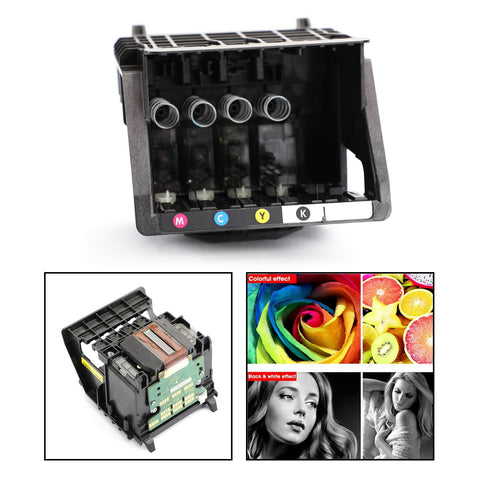
Before installing this product, please note the following:
1. Using a needle to inject water into the printhead after receiving it, to check the nozzle or determine if it's clogged, is highly unnecessary and dangerous. If the print quality is unclear, press the machine cleaning button (the p button). First, the printhead will turn on as soon as it enters the water, unless the water is dry. This will burn out the mainboard and the printhead. Second, the printheads sold in our shop have been rigorously tested and filled with protective fluid. Injecting water into the printhead with a needle will not only wash away the protective fluid but also easily create an airlock in the printhead, preventing ink from flowing.
2. Be careful when installing the printhead; make sure you disconnect the power supply first and install it in place.
3. When connecting the power cord, do not leave any ink on it and ensure that it has good contact with the socket.
4. The steel shaft should also be clean and smooth. You can use a paper towel with a little grease on it to wipe it off. Do not apply oil directly to the shaft. Excess oil will flow to the printhead and cause damage.
5. Once the machinery and circuit are working correctly, check the water circuit. First, check if the ink volume in the ink cartridge is sufficient; second, check if the small cleaning blade and the ink suction pump are dirty.
6. There is air in the newly installed printhead, so it will not print normally immediately. The printer can only deliver perfect results once the air in the printhead has been completely removed. You can use the printer's built-in cleaning function for intermittent cleaning (clean twice at a time, and then twice more after 30 minutes).Repeated over-cleaning causes ink to build up in the cleaning pump, leading not only to color mixing, ink leaks, and wasted ink, but also to printing more images so the printhead can bleed air during operation.
Features:
1. Excellent performance and high quality.
2. Made of high-quality material, durable, sturdy and stable for our use.
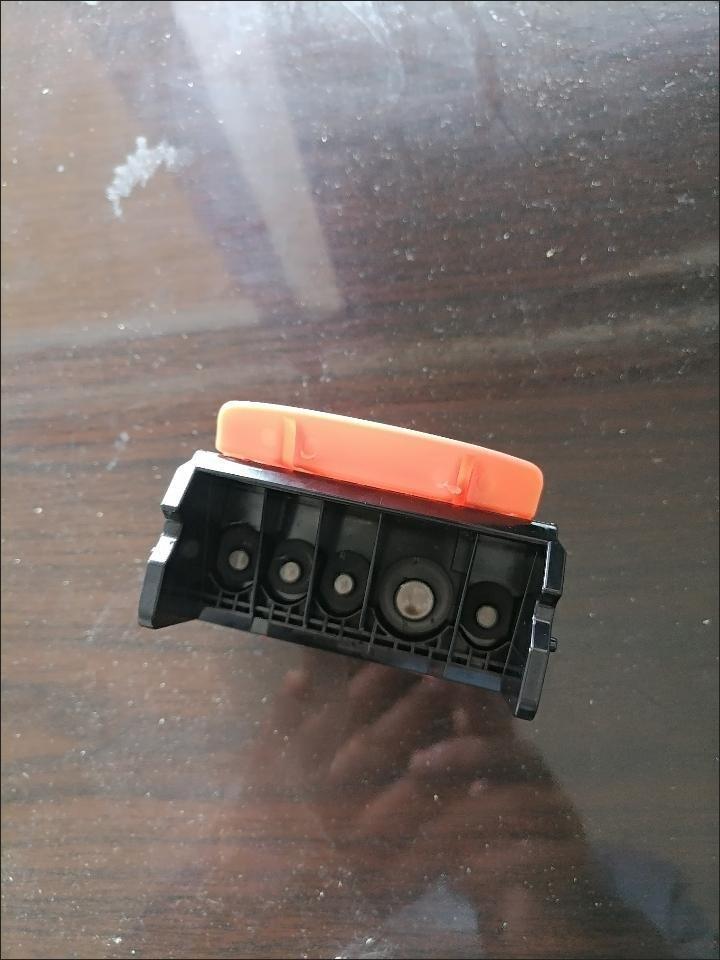
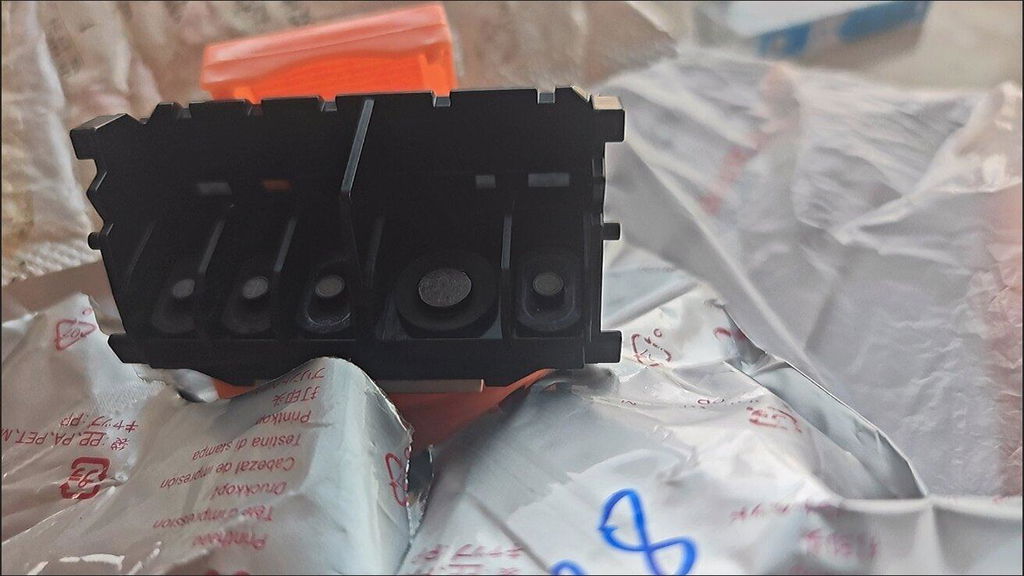
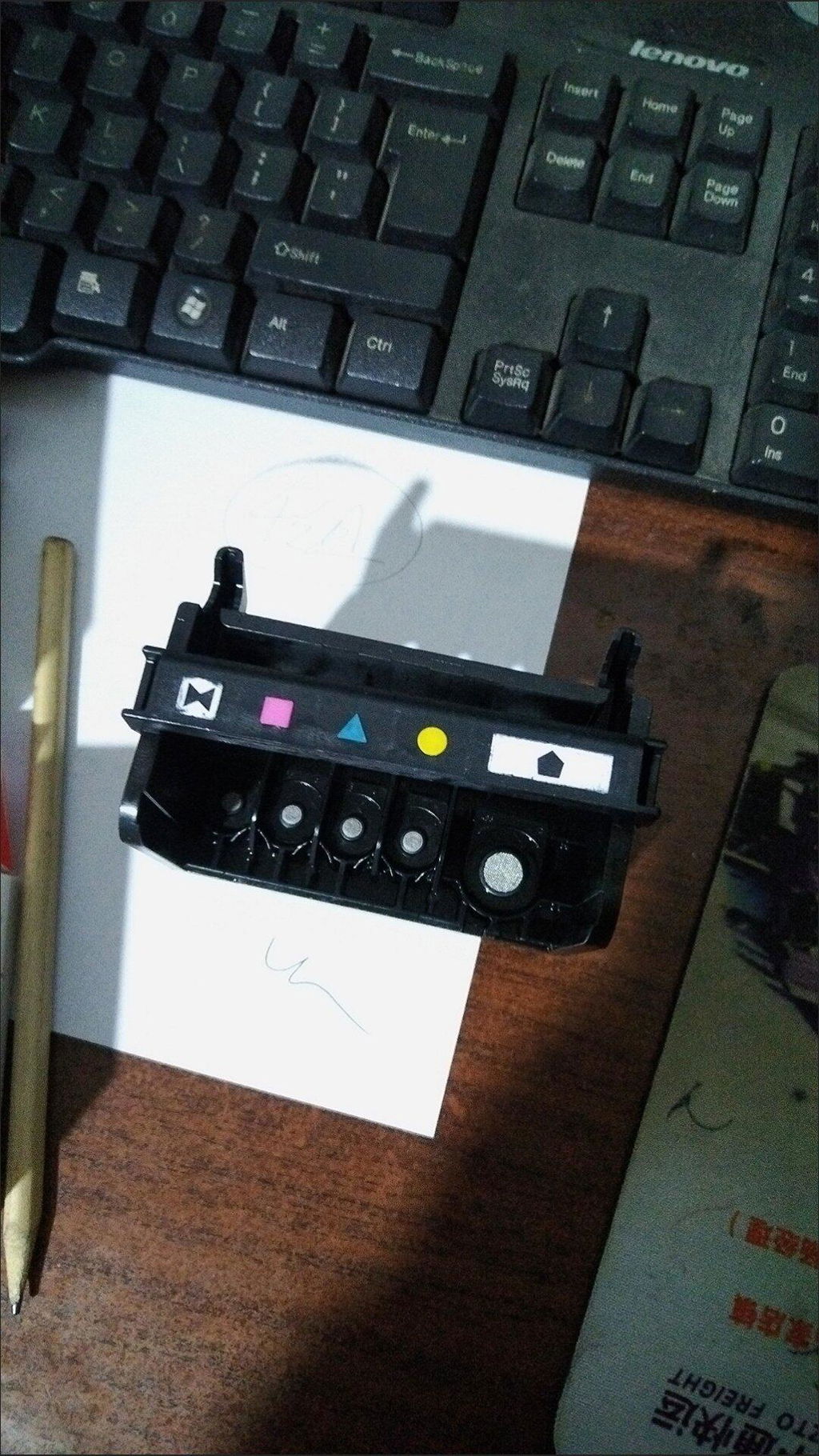
3. This is a cleaned, thoroughly tested and sealed printhead.
4. Good stability, long service life.
5. Full color function.
6. Size: 104 x 90 mm
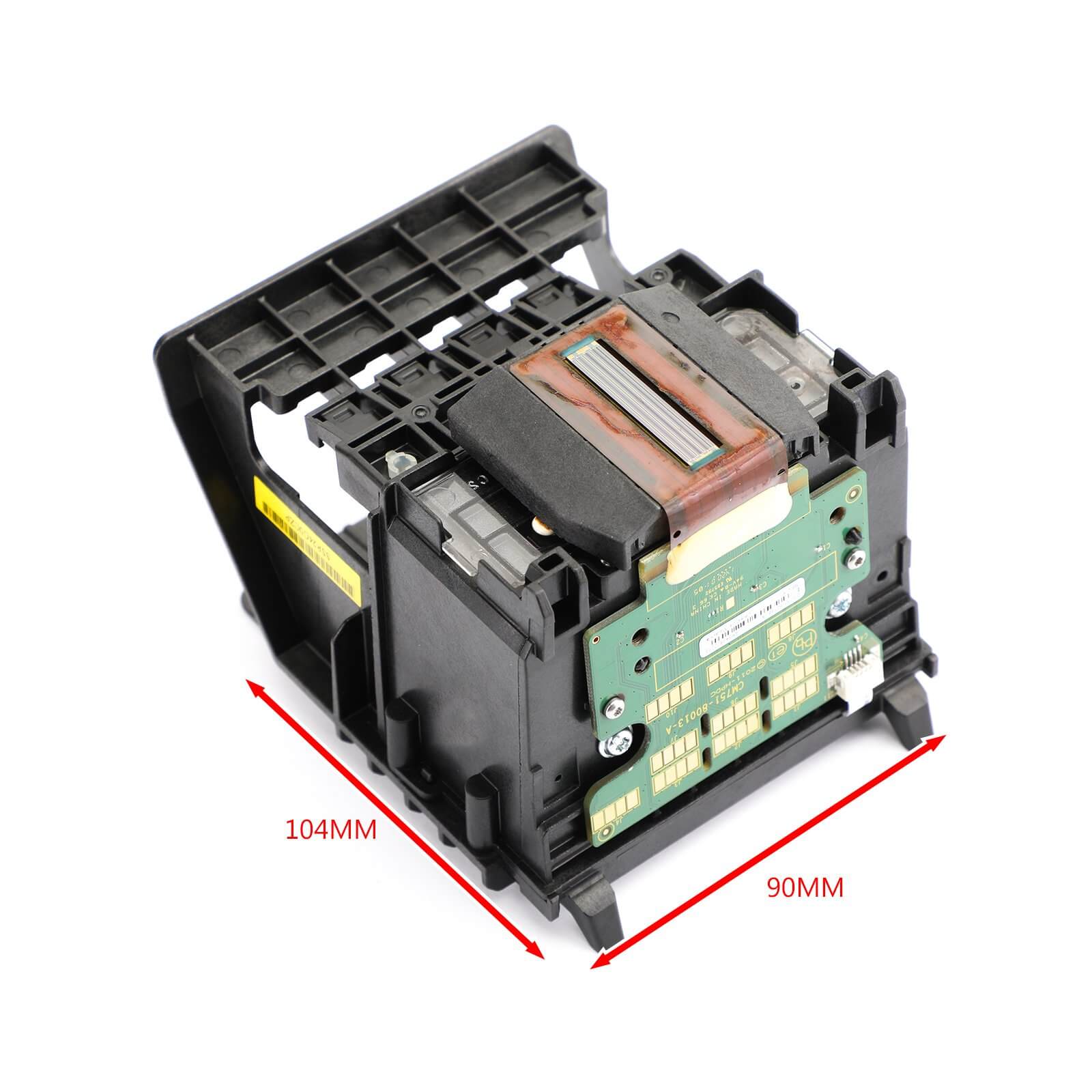
Suitable for the following models:
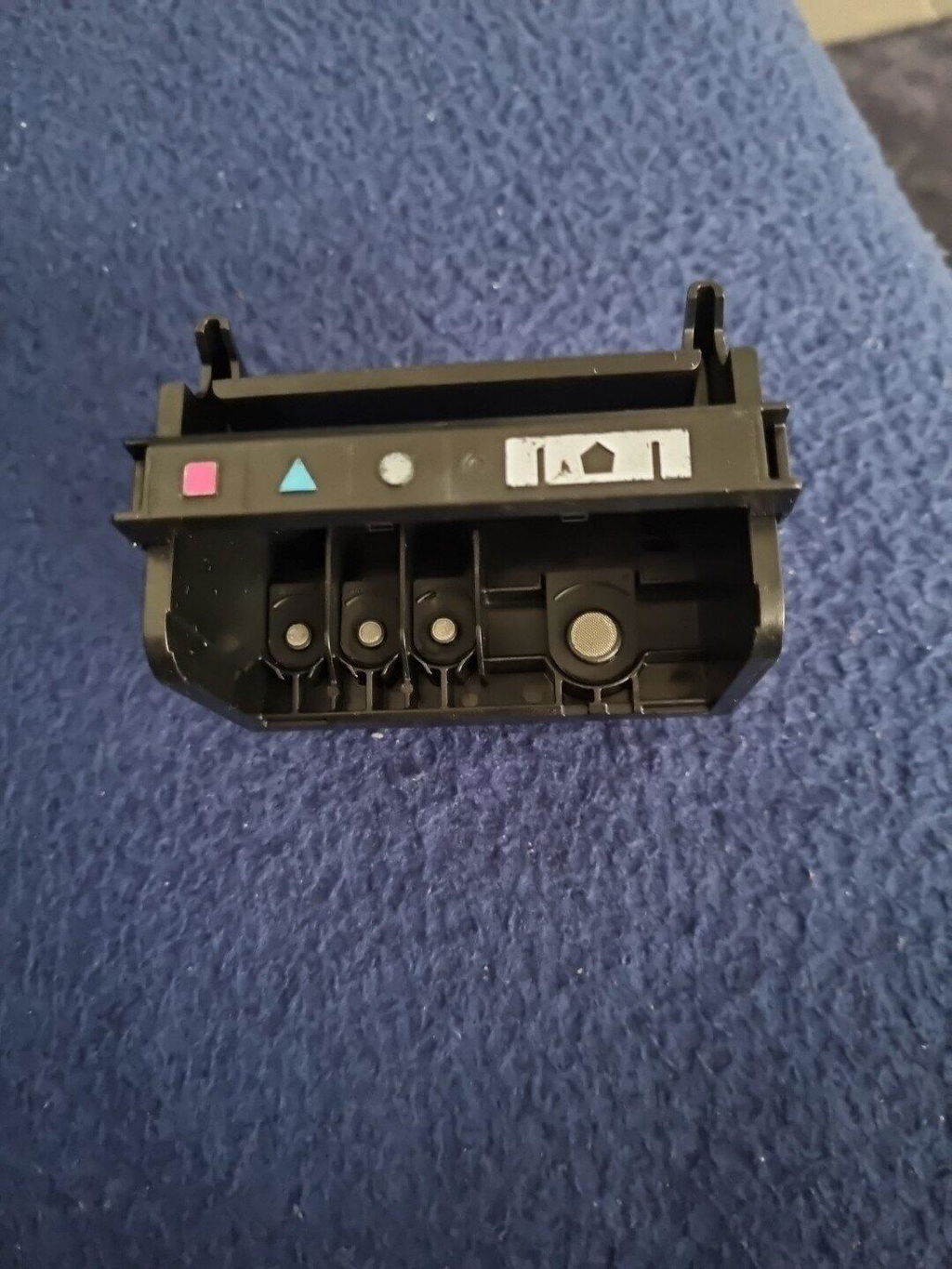
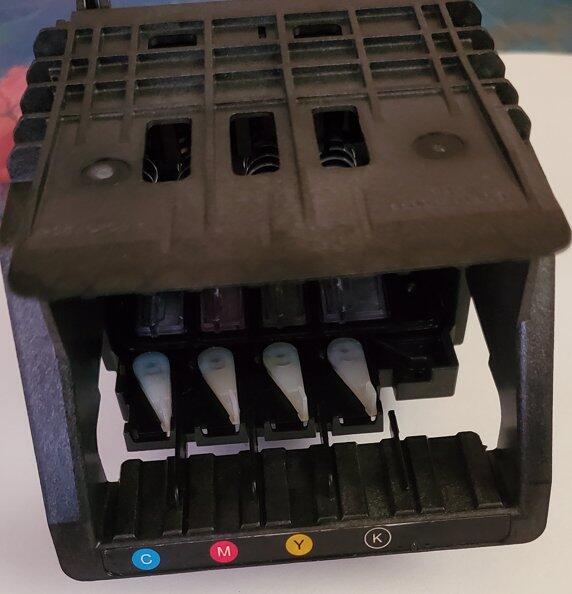
refurbished 950 951 printhead
For HP OfficeJet Pro 8100
For HP Officejet Pro 8600
For HP Officejet Pro CM751
For HP Officejet Pro CM752
For HP Officejet Pro N811A
For HP officejet pro 251dw
For HP Officejet Pro 276dw
For HP Officejet Pro 8610
For HP OfficeJet Pro 8620
For HP Officejet Pro 8630
For HP Officejet Pro 8640
Package includes:
1 x printhead
Note:
1. Please switch off the printer after entering a print value, otherwise the mainboard chip will burn out.
After inserting the printhead, please do not install a ribbon on more than 10 A4 documents.
This allows the new needle to break in, and then insert the ribbon. I hope you can operate carefully.
2. If the original printhead was broken and, in particular, ink leaked out, the mainboard may have been burned.
Therefore, please resolve the mainboard issue before replacing the printhead. Additionally,
The ignition cable F1, F2 of the mainboard can only be replaced by the original ignition unit, which has the same current rating and model.
If the detonator is replaced with one that has a higher current value and is a different model, both the printhead and the mainboard may be damaged.
3. The printhead requires a lot of attention. It is easy to cause damage if a layperson replaces the printhead blindly.
There is a regulation stating that the printhead has no warranty and is delicate and expensive.
Please do not attempt to start up the machine and please handle it with care.
4. If you are not familiar with the device, it is recommended that you send the printhead to a repair station.
or find professionals to replace the nozzle to avoid unnecessary losses and unnecessary hassle.
Shipment:
Free Shipping
Delivery time: 2-6 working days
Guarantee:
Returns: Customers have the right to request a return within 60 days of receiving the product.
24-hour online expert: Solve your installation and product problems