


Description
Please pay attention to the following points after purchasing and receiving the goods:
NOTE: The power supply must be disconnected before installing the Epson printhead, otherwise the printhead circuit board will burn out.
1. The printhead is coated with a protective fluid during shipping. Wipe the printhead clean before first use. The protective fluid will drip onto the chip and where ink bleeds. Use a cloth to carefully wipe the protective fluid off the chip (on the copper plate). Do not use cleaning fluid or an eraser.
2. During the printhead regeneration process, the original ink is cleaned and protective fluid is injected. If no protective fluid is present, printing will not occur if the ink line is dry. If the printhead is detected but color irregularities or blurring are observed, you can continue adding ink and printing pages to consume the protective fluid. Afterward, the ink can be used for printing.
3. If the print is not clear, press the machine's cleaning button. The printhead can be cleaned if the ink cartridge is full of ink. If there is no ink to clean the printhead, it can easily burn out. After several attempts, you should be able to print clearly.
4. Clean the printhead directly on the device instead of using cleaning fluid. If you clean it with cleaning fluid and the protective fluid doesn't drip, the printhead will become completely blocked and unusable.
5. Do not use cleaning fluid or water to clean the printhead, otherwise the printhead will become completely clogged.
When replacing the printhead, pay attention to the following points:
1. Upon receiving the printhead, do not use a needle tube to inject water to check for blockages. This is a useless and dangerous practice. Firstly, if the printhead gets wet and is not dry, and the printer is then turned on, the mainboard will burn out, and the printhead itself will also be damaged.
2. The printhead surface is very fragile. It must not be touched and must be protected. Its surface is an aluminum sheet coated internally with a crystal oscillator and a very small ink tube. It will deform or even break upon contact, rendering the printhead unusable.
3. Be careful when installing the printhead. Make sure you disconnect the power supply first and install it in place. After installation, gently press it down with your hands. Do not turn on the machine after installation, because if the printhead is not properly attached, it can easily break if the machine moves. Your hands can feel the breakage, and it's easy to check.
4. When connecting the power cord, avoid contact with ink. Ensure good contact with the power outlet and that the feet are not touching the printer. Otherwise, the printhead will short-circuit and burn out.
5. The steel shaft should also be clean and smooth. Use a cloth to apply a small amount of lubricating oil and wipe it off. Do not apply oil directly to the shaft, as excess oil will run to the printhead and cause damage.
6. After you have confirmed that the machine and the circuit are functioning normally, it is necessary to check the water circuit.First, check whether the amount of water in the ink cartridge is sufficient; second, check whether the small cleaning blade and the ink pump are dirty.
7. The newly installed printhead contains air, preventing it from printing normally immediately. Only after the air in the printhead is completely expelled will the lines print correctly. Initially, you can use the machine's cleaning function to perform intermittent cleaning (two cleaning cycles followed by two more after a 30-minute break). Frequent, excessive cleaning leads to ink buildup in the cleaning pump. This not only causes color mixing and ink leakage but also ink waste.
8. Secondly, you can print more images to allow the printhead to expel air during operation. Thirdly, if the printer has already ejected the waste ink tube, you can first disconnect the power supply and then use a rubber hose to extract the waste ink until 3-5 ml of ink has been removed. Next, turn it back on and clean it once using the machine's cleaning function. This artificially removes the air from the printhead, but as a side effect, ink may easily accumulate in the cleaning pump.
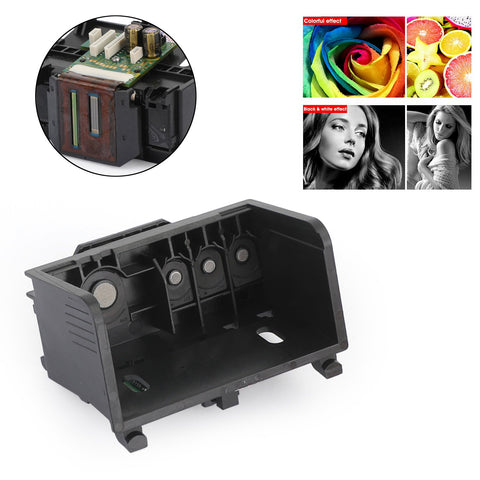
Feature:
1. Excellent performance and high quality.
2. Made of high-quality material, durable, sturdy and stable for our use.
3. This is a cleaned, thoroughly tested and sealed printhead.
4. Good stability, long service life.
5. Full color function.
6. This is an aftermarket replacement part, but not an original.
7. Size: 90 x 45 mm
8. OEM part number: CQ163-80060
Compatible models:
Refurbished 934 935 printhead
Compatible with HP Officejet Pro 6230
Compatible with HP Officejet Pro 6830
Suitable for HP Officejet Pro 6815
Compatible with HP Officejet Pro 6812
Compatible with HP Officejet Pro 6835
Package includes:
1x 934 935 printhead
Guarantee:
Returns: Customers have the right to request a return within 60 days of receiving the product.
24-hour online expert: Solve your installation and product problems
Note:
1. Please switch off the printer after entering a print value, otherwise the mainboard chip will burn out.
After inserting the printhead, please do not install a ribbon on more than 10 A4 documents.
This allows the new needle to break in, and then insert the ribbon. I hope you can operate carefully.
2. If the original printhead was broken and, in particular, ink leaked out, the mainboard may have burned out.
Therefore, please resolve the mainboard issue before replacing the printhead. Additionally,
The ignition cable F1, F2 of the mainboard can only be replaced by the original ignition unit, which has the same current rating and model.
If the detonator is replaced with one that has a higher current value and a different model, both the printhead and the mainboard may be damaged.
3. The printhead requires a lot of attention.It is easy to cause human-induced damage if a layperson blindly replaces the printhead.
There is a regulation stating that the printhead has no warranty and is delicate and expensive.
Please do not attempt to start up the machine and please handle it with care.
4. If you are not familiar with the device, it is recommended that you send the printhead to a repair station.
or find professionals to replace the nozzle to avoid unnecessary losses and hassle.
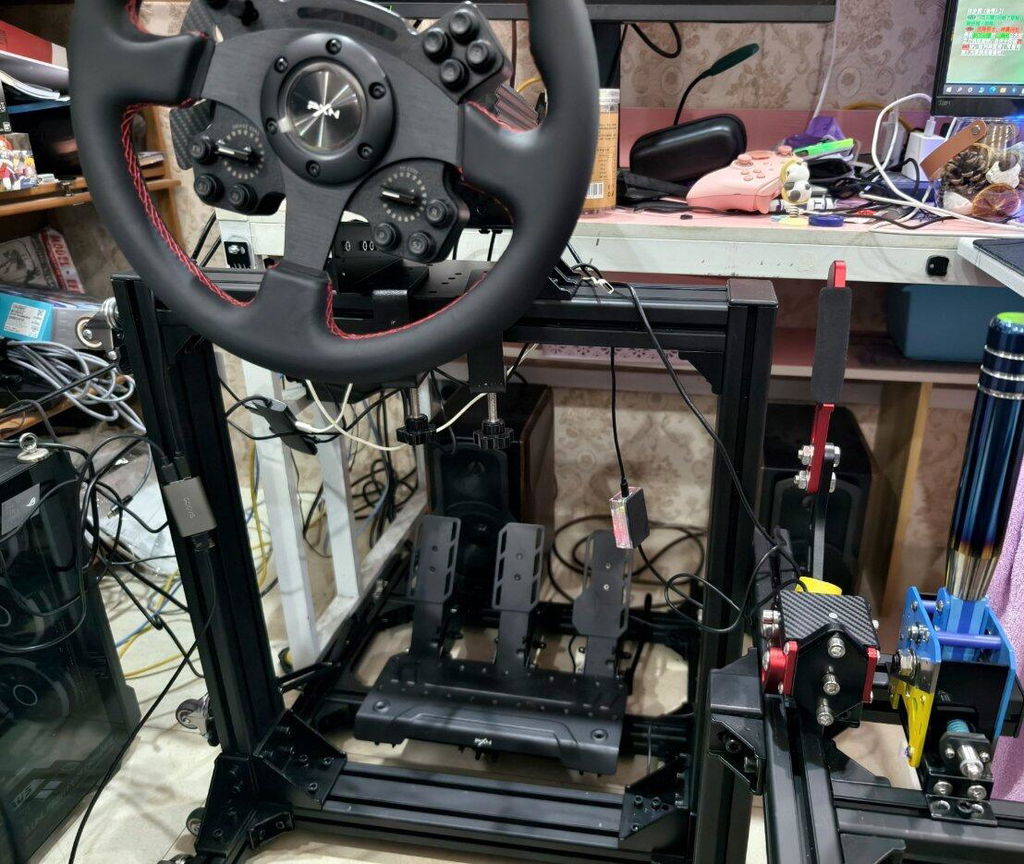
Dieses Handbremsen-Set ist perfekt für Rennspiele! Die Bedienung ist reibungslos und es fühlt sich an, als würde man einen echten Rennwagen fahren. Allen Rennsportbegeisterten wärmstens zu empfehlen!
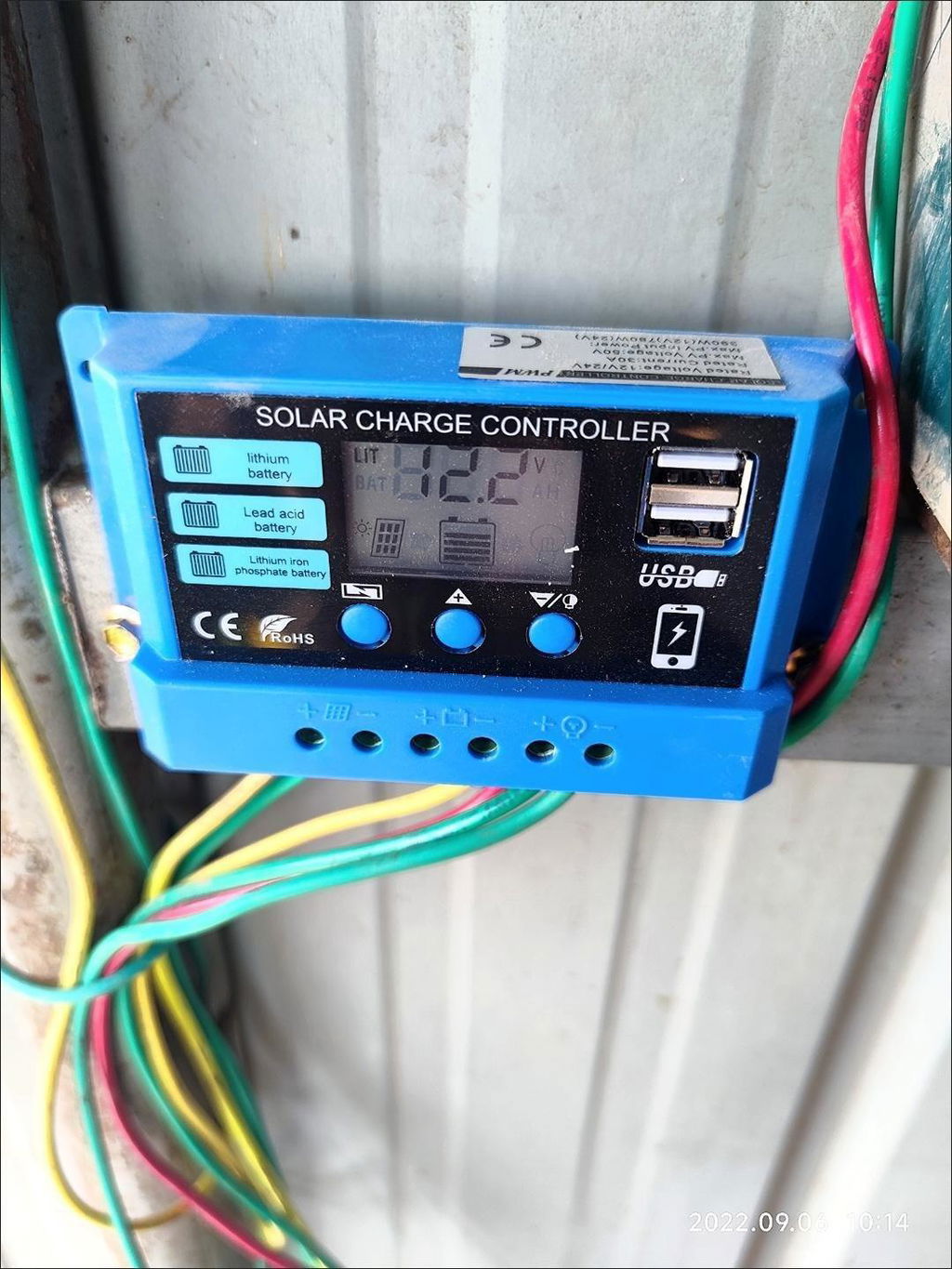
Der Effekt ist sehr gut, die Ladegeschwindigkeit ist schnell und das Preis-/Leistungsverhältnis ist sehr hoch.
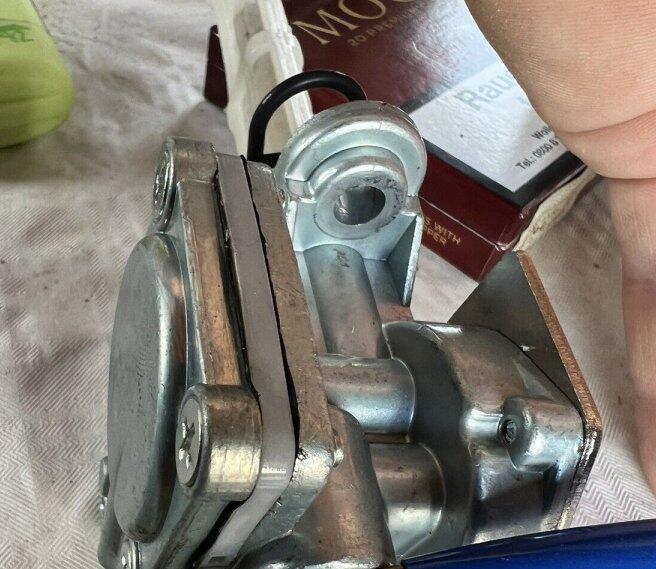
Die Installation ist sehr reibungslos und die Leistung ist sehr stabil, um den normalen Betrieb des Kraftstofftanks zu gewährleisten.
Passt top....schnelle lieferung
Passt perfekt, schnelle Montage, Traktor läuft.
Gerne wieder.
Sehr schnelle Lieferung und Top Preis Leistung
Ok
Nice
runs like it should
Yamaha 75 80 90 PS 2-Takt 6H1-W0093-10-00 Vergaser Carb Rebuild Kit
Rychlé zaslaní. Světla vypadají velmi pěkně
Ok
Zündspule für Husqvarna 125B 125BVX 125BX HB281 58 58 36 101 links / rechts / rechts
ast delivery, hassle-free process. The parts fit perfectly and are brand new. I would order again anytime if needed.
Really solid kit for cheap price. Fitment was perfect and much better solution than original plastic parts
1 Stück Vorhängeschloss Vorhängeschloss mit 3 neuen Schlüsseln für Caterpillar (CAT) 5P8500 246-2641
-
ok
Habe einen Stator und Gleichrichter für meine Honda Varadero hier erworben , alle ging reibungslos, netter Kontakt, schnelle Lieferung und die Qualität scheint auch zu stimmen.
Får mycket för pengarna 👍 Borde vara i olika längder eftersom det skiljer typ cm 30 mellan infästningar på kylaren men ut från växellåda ungefär på samma.
Ware nicht erhalten
Sehr genau, der Effekt ist nach dem Einbau offensichtlich, der Motor startet sanfter und die Kraftstoffeffizienz ist höher. Empfohlen.
Yamaha Virago 750 XV750 1981-1983 2X Vergaser Rebuild Reparatursatz
Todo llegó en tiempo y el producto el que se ofertaba
Ok
Bra information bra pris verkar var bra kvalite
Nach dem Gebrauch läuft der Motor reibungslos und ohne ungewöhnliche Geräusche. Auch der Installations- und Reparaturvorgang ist sehr einfach, der Effekt ist sehr deutlich und ich bin sehr zufrieden.
LED Frontgrill in Schwarz-Chrom - für Mercedes C-Klasse W204 C300/C350 (2008-2014) - Direkteinstieg
Immer wieder
molto buono
The inexpensive alternator regulator fits perfectly mechanically and the battery is recharged. One star is deducted for the not quite compatible rev counter signal: it is only 2V, had to readjust the rev counter.
You can also like
Last viewed
Dieses Handbremsen-Set ist perfekt für Rennspiele! Die Bedienung ist reibungslos und es fühlt sich an, als würde man einen echten Rennwagen fahren. Allen Rennsportbegeisterten wärmstens zu empfehlen!
Der Effekt ist sehr gut, die Ladegeschwindigkeit ist schnell und das Preis-/Leistungsverhältnis ist sehr hoch.
Die Installation ist sehr reibungslos und die Leistung ist sehr stabil, um den normalen Betrieb des Kraftstofftanks zu gewährleisten.
Passt top....schnelle lieferung
Passt perfekt, schnelle Montage, Traktor läuft.
Gerne wieder.
Sehr schnelle Lieferung und Top Preis Leistung
Ok
Nice
runs like it should
Yamaha 75 80 90 PS 2-Takt 6H1-W0093-10-00 Vergaser Carb Rebuild Kit
Rychlé zaslaní. Světla vypadají velmi pěkně
Ok
Zündspule für Husqvarna 125B 125BVX 125BX HB281 58 58 36 101 links / rechts / rechts
ast delivery, hassle-free process. The parts fit perfectly and are brand new. I would order again anytime if needed.
Really solid kit for cheap price. Fitment was perfect and much better solution than original plastic parts
1 Stück Vorhängeschloss Vorhängeschloss mit 3 neuen Schlüsseln für Caterpillar (CAT) 5P8500 246-2641
-
ok
Habe einen Stator und Gleichrichter für meine Honda Varadero hier erworben , alle ging reibungslos, netter Kontakt, schnelle Lieferung und die Qualität scheint auch zu stimmen.
Får mycket för pengarna 👍 Borde vara i olika längder eftersom det skiljer typ cm 30 mellan infästningar på kylaren men ut från växellåda ungefär på samma.
Ware nicht erhalten
Sehr genau, der Effekt ist nach dem Einbau offensichtlich, der Motor startet sanfter und die Kraftstoffeffizienz ist höher. Empfohlen.
Yamaha Virago 750 XV750 1981-1983 2X Vergaser Rebuild Reparatursatz
Todo llegó en tiempo y el producto el que se ofertaba
Ok
Bra information bra pris verkar var bra kvalite
Nach dem Gebrauch läuft der Motor reibungslos und ohne ungewöhnliche Geräusche. Auch der Installations- und Reparaturvorgang ist sehr einfach, der Effekt ist sehr deutlich und ich bin sehr zufrieden.
LED Frontgrill in Schwarz-Chrom - für Mercedes C-Klasse W204 C300/C350 (2008-2014) - Direkteinstieg
Immer wieder
molto buono
The inexpensive alternator regulator fits perfectly mechanically and the battery is recharged. One star is deducted for the not quite compatible rev counter signal: it is only 2V, had to readjust the rev counter.