


Description
Features:
This is an LED arcade game DIY parts kit for a 1-player DIY project.
The encoder supports all Windows systems!
Each encoder has its own USB cable to ensure that multiplayer games can be played under the same conditions!
The joystick is a professional 8-way joystick!
The buttons are 5V LED-illuminated push buttons with built-in microswitches inside.
The keys are permanently illuminated by default.
Package contents:
1x USB encoder with delay-free LED
1x USB cable
1x 5-pin cable for joystick
10 x 2-pin wires for push-button switches
8 x 30 mm larger 5V LED pushbuttons
2x 30 mm larger white 5V LED buttons (1 player + coin)
1x 5-pin 8-way joystick, 1x instruction manual
Installation tips
1. This is very important! Connect the joystick's 5-pin cable to the 5-pin connector opposite the USB-B port. Many people connect the joystick to the wrong 5-pin connector.
2. There is no need to separate the button functions when connecting cables with pushbuttons and the encoder board, unless you want to add the "Auto-Fire," "Tubro," "Clear," and "Mode" functions. All battle button functions can be configured in MAME or RetroPie. The "Auto-Fire," "Tubro," "Clear," and "Mode" functions have their own dedicated slots on the encoder board.
Tips for new users:
1. This item must work with the MAME emulator. Therefore, before creating your own project, please download one to work with the components.
2. If you are using this kit to create your own Raspberry Pi Retropie projects, please research the steps before starting your DIY project.
Guarantee:
Returns: Customers have the right to request a return within 60 days of receiving the product.
24-hour online expert: Solve your installation and product problems
Diese Handbremse funktioniert reibungslos, ist einfach zu installieren und passt perfekt zu meinem G29-Lenkrad.
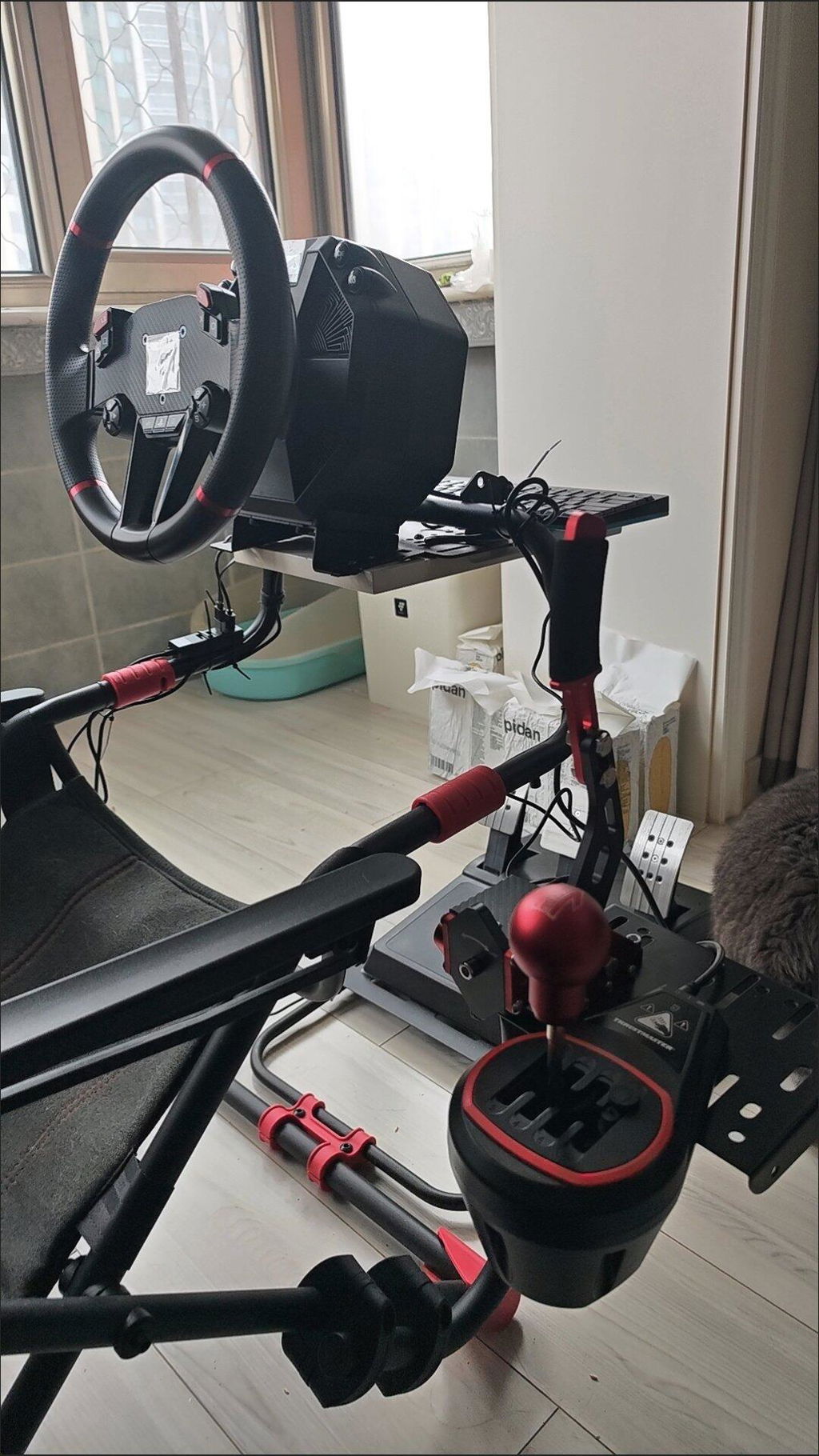
Works good, didn’t really get any shipping updates though
Es liegt gut in der Hand, ist sehr einfach zu installieren und der Gangwechsel erfolgt reibungslos. Es ist sehr gut für Simulationsrennspieler geeignet und sehr zu empfehlen!
Es ist sehr glatt und arbeitet genau mit der G29 -Lenkradhalterung. Sehr gute Qualität, sehr zufrieden!
aber ich habe eine frage bei der handbremse fūr ps4 und ps5 geht das auch bei einem g923 logitexh lenkrad
Bin zufrieden
Ich habe das gerade bekommen und es lässt sich sehr gut verwenden. Sehr deutlich gedruckt. Ich kann es nur wärmstens empfehlen!
14Bit X1 XBOX USB SIM Handbremsen-Kits für Rennspiele Lenkradständer G920
Genau das, was ich brauchte, kein örtlicher Ersatzteilladen hatte sie.
USB3.0 14Bit PS4/PS5 Handbremse für Rennspiele Lenkradständer G29 Rot
Ich habe diese Leuchte in etwa 15 Minuten installiert. Google es und schau dir die Anleitung auf Youtube an. Die meiste Zeit ging es darum, das alte Licht herauszuholen. Sehr gute Passform, funktioniert gut.
Es lohnt sich, es abzuholen. Kombinieren Sie dies mit einem Leo Bodnar-Kabel und ehrlich gesagt haben Sie einen wirklich anständigen Satz Pedale